How to reach out to us?
How to Book a Live Walkthrough or Watch a Demo ?

We want to make it easy for your team to explore SecurityReview.AI and get the most out of your trial or onboarding experience.
If you’re new to the platform, start with the SecurityReview.AI overview to understand what the walkthrough and demo will cover.
Option 1: Book a Live Walkthrough
To schedule a 1:1 demo with our product experts:
1. Visit securityreview.AI
2. Click on the Book a Live Walkthrough button (top or bottom of the homepage)

3. Pick a date and time that works for you
4. You’ll receive a calendar invite and Zoom/Meet link
Our live walkthroughs are interactive and tailored to your team’s role (engineering, product, compliance, etc.)
Option 2: Watch a Recorded Demo
If you prefer a quick overview:
- Go to the homepage
- Click “Watch a Demo”
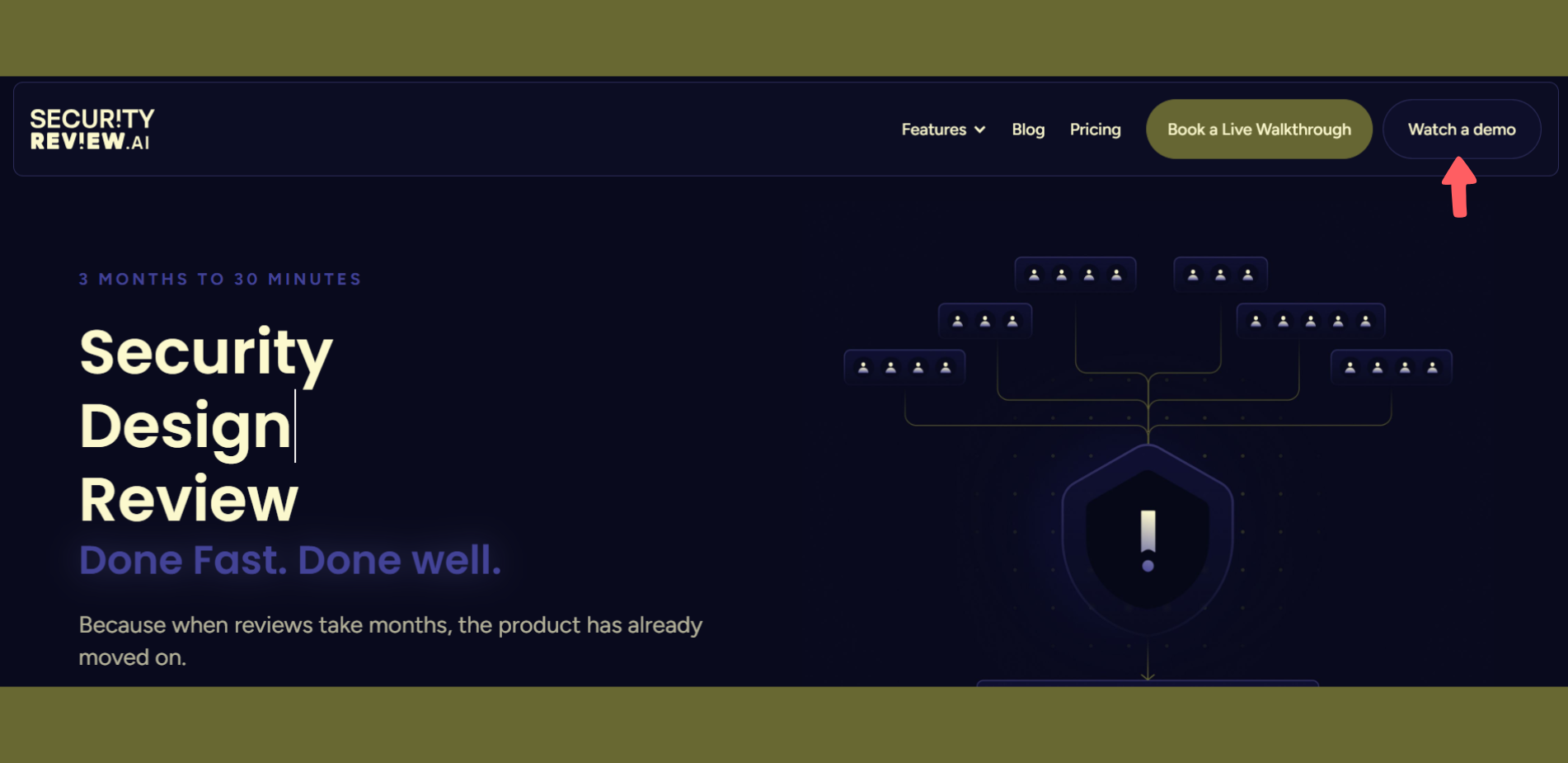
3. View the latest recorded walkthrough on-demand
These demos show real-world use cases of running a security review from scratch, integrating docs, customizing controls, and generating role-specific outputs.